The arXiv PDF Command-Line Interface Downloader
The Hassle of Downloading arXiv Papers
A few months ago I had acquired a tablet to read and annotate research papers wherever I want, stopping the waste of printing these in paper form and then keeping the annotated printed versions somewhere in my desk. This led me to a setup in which I store all research papers in some directory structure at ~/papers/ and have this directory be in sync with a synchronization service; currently OneDrive, which has an excellent third-party Linux client.
Many of the papers I find are hosted on arXiv.org. When I’ve got a paper which I’d like to read, e.g. Variational Diffusion Models, I first have to manually download the paper into some location. By default, this results in a file named after the arXiv paper id, e.g. 2107.00630.pdf, which is annoying as the id is hard to associate with the actual paper title. Therefore, I usually rename the paper according to its title:
$ mv 2107.00630.pdf ~/papers/generative-models/2107.00630v1.Variational_Diffusion_Models.pdfNow the paper is ready to be automatically synced and I can find it on my tablet device. After repeating the above multiple times, I was especially annoyed by the file renaming necessity. Furthermore, it also happens that I often simply have the arXiv link and know that I want to have this paper on my tablet. I’m an avid Linux user and work from the terminal most of the time. Hence, it was natural to write a command-line tool that takes an arXiv link/id, downloads it into a preferred directory, and automatically renames the filename according to the title. This is when I came up with a simple tool called arxiv-downloader, wrapping the neat arXiv Python wrapper lukasschwab/arxiv.py.
The Solution: arxiv-downloader
This little tool is available on PyPi (pip install arxiv-downloader) and offers the arxiv-downloader script in the command-line:
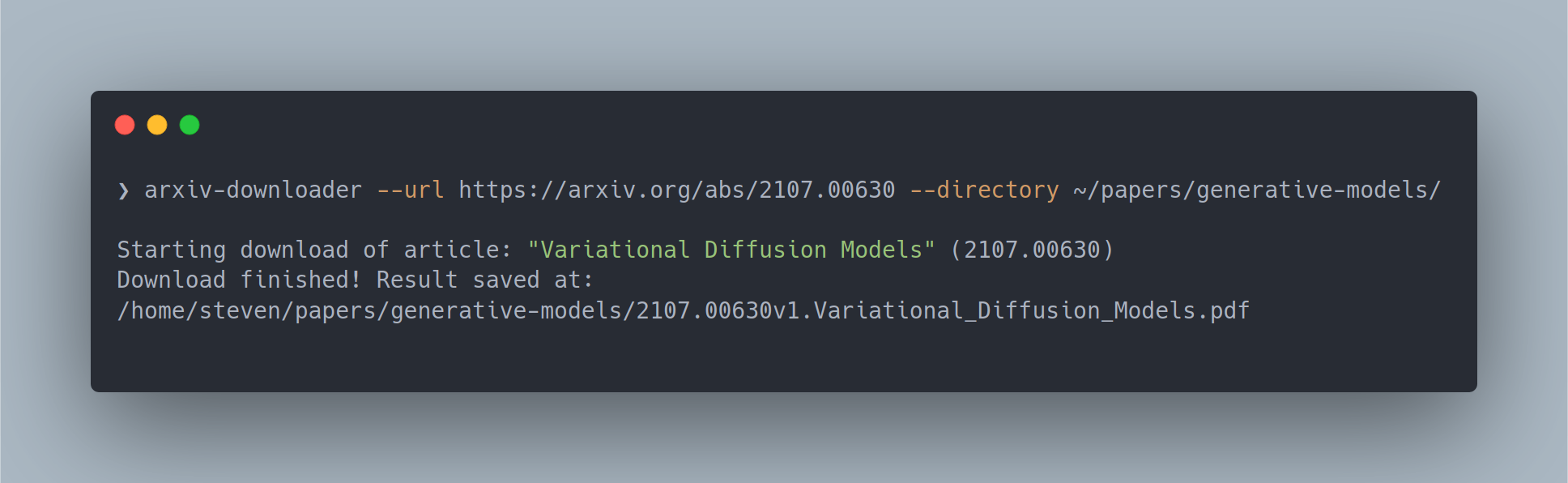
$ arxiv-downloader --url https://arxiv.org/abs/2107.00630 --directory ~/papers/generative-models/

Directory /home/steven/papers/generative-models/ does not exist. Create? [y/n] y
Starting download of article: "Variational Diffusion Models" (2107.00630)
Download finished! Result saved at:
/home/steven/papers/generative-models/2107.00630v1.Variational_Diffusion_Models.pdf
This merges the sequence of opening an arXiv link, manually downloading the PDF, renaming this PDF according to the paper title, and moving the file to the final location, into a single command. Although this might only save me about half a minute for every paper, I deeply felt the need to automate these steps. If you’re a computer scientist or programmer, I hope you can relate; if not then just call me crazy :-).
You can check out all available arguments with arxiv-downloader -h
$ arxiv-downloader -h
usage: arxiv-downloader [-h] [--url URL] [--id ID] [--directory DIRECTORY] [--source]

arXiv Paper Downloader.

optional arguments:
  -h, --help            show this help message and exit
  --url URL, -u URL     arXiv article URL.
  --id ID, -i ID        arXiv article ID (for https://arxiv.org/abs/2004.13316 this would be
                        2004.13316).
  --directory DIRECTORY, -d DIRECTORY
                        Output directory.
  --source, -s          Whether to download the source tar file.
The source code is available at braun-steven/arxiv-downloader. Feel free to contribute, leave feedback, and report issues.